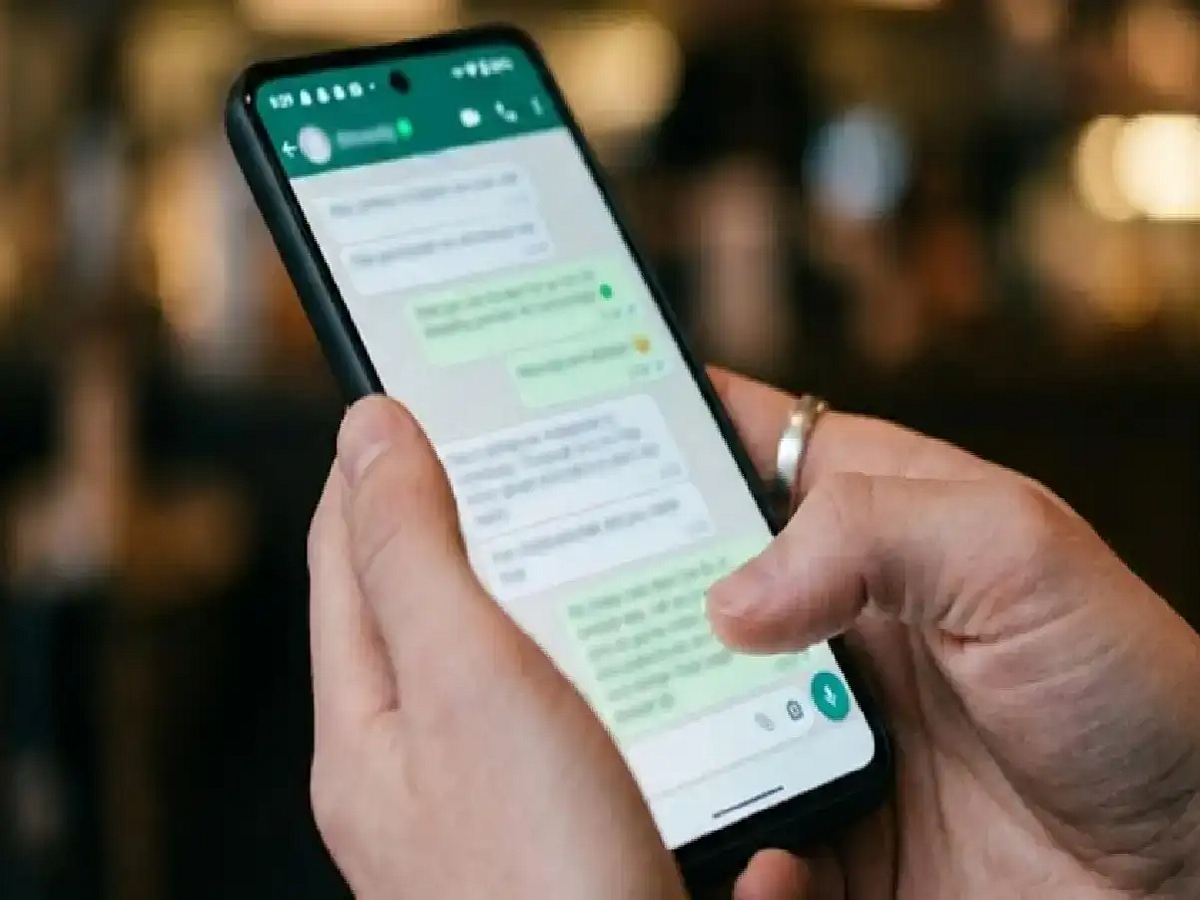
WhatsApp is one of the most widely used messaging apps today. Sometimes we want to read someone's message, but don't want the other person to know that it's been read. WhatsApp has a handy privacy feature for this.
If you don't want the other person to see a blue tick after reading a message, you need to turn off the Read Receipts option. To do this, open WhatsApp and go to Settings . Then, tap the Privacy option and turn off Read Receipts. Now, when you read someone's message, the other person won't see the blue tick in a normal, in-person chat.
However, turning off this feature also makes an important difference. When you turn off Read Receipts, you won't be able to see whether the other person has read your message. This means this feature applies both ways.
If you want to view a message without turning off Read Receipts, reading the message from your phone's Notification Panel is also an option. This method doesn't require opening the WhatsApp chat. However, long messages or entire conversations may not always appear in Notifications.
Keep in mind that the name or location of these settings may vary slightly depending on different versions of WhatsApp and phones. This may also affect the Read Receipts status in WhatsApp Status.
So if you want a little more control over your privacy, Read Receipts is a useful feature. You can always turn it back on in your Privacy Settings if needed.
PC: DNA India