NEWS
How to check the TV remote: Is the TV remote faulty or the battery? Use your mobile camera to find out.
How to Check TV Remote: Now, from the comfort of your home, you can use your phone's camera to find out what's wrong with your TV remote. Which internal component is faulty?
TV remote
How to Check TV Remote: Sometimes, while we're watching TV, the remote suddenly stops working. We repeatedly press buttons, tap the remote against our hand, but the TV channel won't change. The biggest confusion at such times is whether the remote is truly damaged internally or if its battery is simply dead.
Often, people in this situation simply buy a new remote or rush to the mechanic. But did you know that the smartphone in your pocket can solve this problem in a jiffy? Using your mobile's camera, you can test the remote live from home in just 10 seconds.
How does a TV remote work?
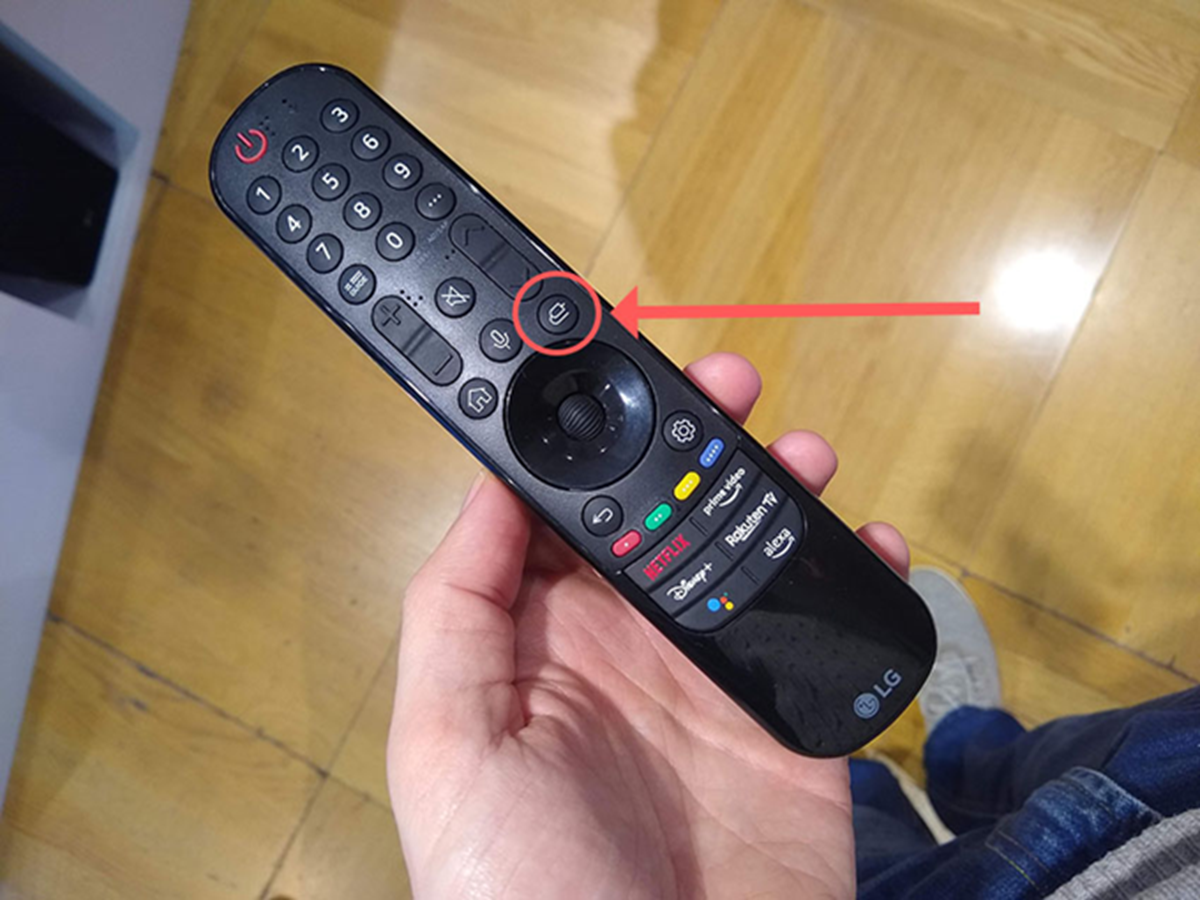
In fact, most TV, AC, or set-top box remotes available in the market use infrared light technology. Whenever you press a button on the remote, an invisible light is emitted from a small bulb attached to the remote, transmitting the signal directly to the TV's sensor. This infrared light has a frequency that is invisible to the naked eye. However, the sensors in our smartphone cameras can easily see and record this light. We use this technology to test remotes.
How to check with a mobile camera?
First, open your smartphone's primary or front camera app. Now, while looking at the camera screen, press and hold any button on the remote. While pressing the button, carefully observe the mobile screen to see if there is any movement in the remote's bulb.
If a purple, red, or white glow appears from the remote's bulb on your mobile screen after pressing a button, it means your remote is perfectly fine, and the battery is working. In this case, the problem may be with your TV's sensor. If the camera shows light but it's very dim or weak, then understand that the remote's cells are about to run out. Once you insert a new battery, the remote will start working as before. However, if no light appears on the mobile screen even after pressing a button, it means that either the circuit inside the remote is damaged or its battery is completely exhausted.
Open the remote and look at it.
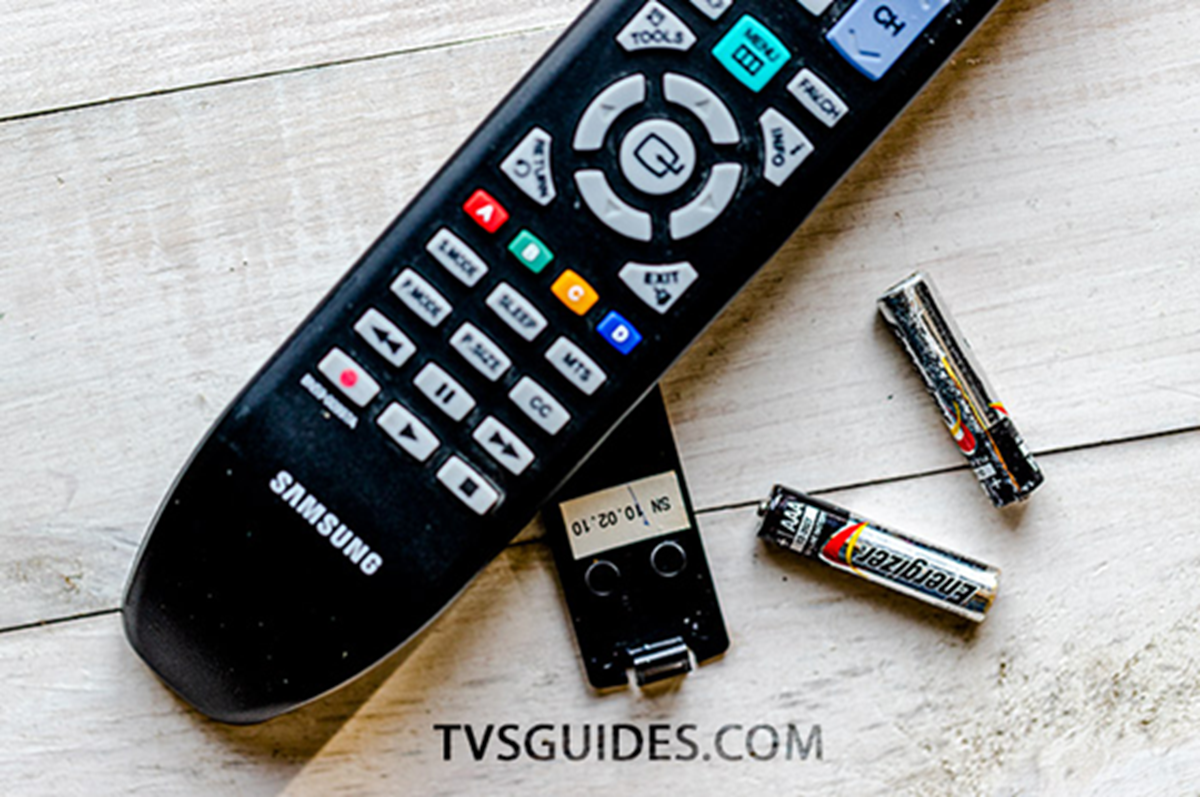
Additionally, rust or dust can sometimes accumulate on the iron springs or ports where the cells are inserted inside the remote. This can also cause power outages. Before replacing the cells, try cleaning the area with a dry cloth or a matchstick. Often, this will cause the remote to start working.