OTP Tip to Check Call History: Learn how Jio users can check their number's call details using an OTP. Learn how this feature works in MyJio and what's the correct way to check your call history?
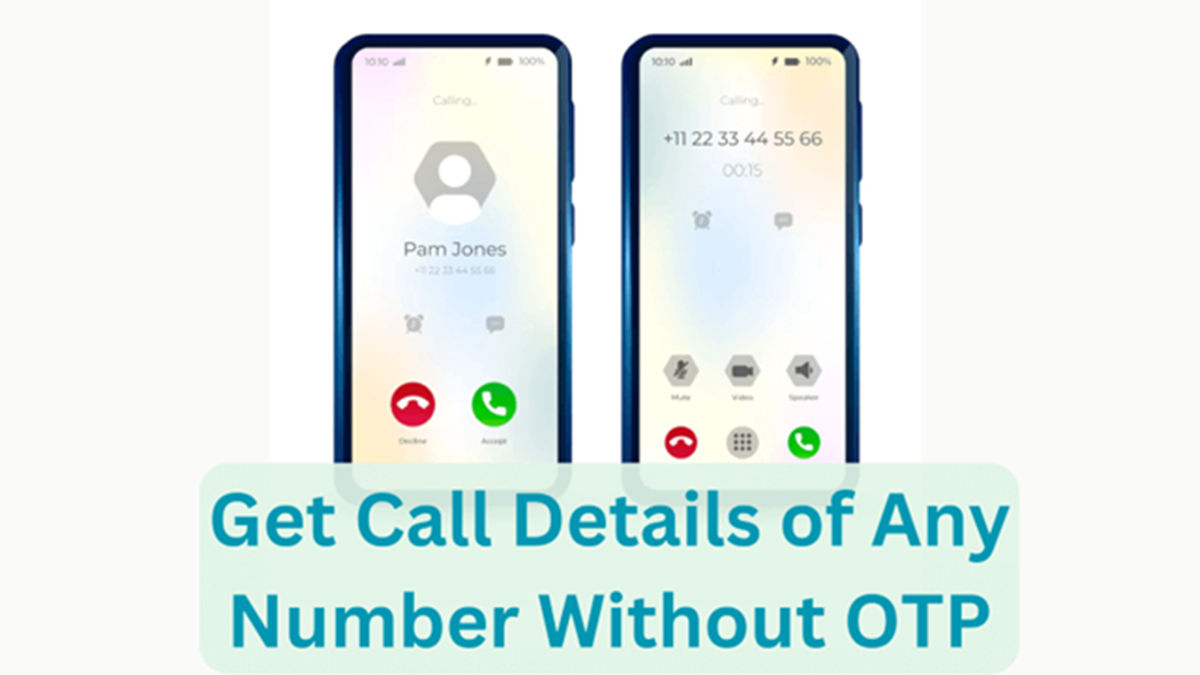
Call history from OTP.
OTP Tip To Check Call History: If you're a Jio user and want to view your mobile number's call history or call details, a feature within Jio's MyJio app can be useful. There's no need to use a third-party app or suspicious website for this. Jio allows users to view call details related to their usage after logging into their account.
How to view call history with the help of an OTP
First, open the MyJio app on your phone. Then, login with your Jio mobile number. An OTP will be sent to your registered Jio number during login. After entering the OTP, your Jio account will be opened. Now, select your mobile connection in the app and go to the Check Usage option. Here, you will see the usage details related to the calls made from your number. If you need call details for a specific period, you can also use the Statement option in MyJio. The available usage statement can be viewed by selecting a date period. According to Jio, a maximum of 30 days' statement can be obtained for any period within the last 6 months.
The benefits of this feature
The biggest advantage of this feature is that information related to call usage of your Jio number can be viewed outside the phone call log. If old call entries are not available in the phone, the information available in Jio's usage statement can be useful. This feature is also useful for those who want to see the record of outgoing calls made from their number for a specific date or period. To keep the available statement safe, there is also an option to download it as a PDF or receive it by email.
Do not share your OTP with anyone.
The OTP is used to verify your Jio number's account. Therefore, do not share your OTP with anyone else. If someone calls or messages you asking for your OTP and claims to retrieve your call history, it's important to be cautious.