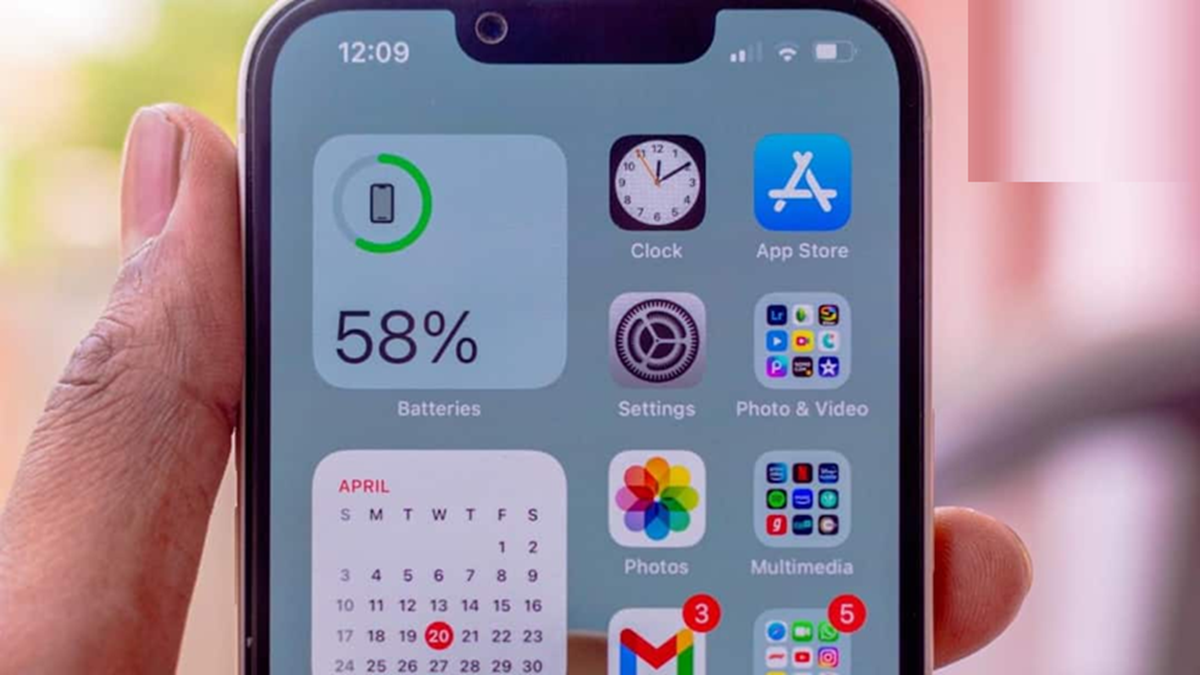
Lithium-ion batteries are found in most smartphones these days. Under normal use, the phone's battery provides good performance for approximately 2 to 4 years.
(How to find out how long your phone's battery will last)
Smartphones have become a necessity today. In the smartphone category, users have two options: Android and iOS. Apple's iPhone is more expensive, but it's a popular device. However, when people buy a new smartphone, they often focus on things like the camera, processor, display, and storage, but often overlook the phone's battery health.
After a few years of use, the battery starts to drain faster, the phone can overheat, and it may require frequent charging. That's why today we're going to tell you how you can easily check your phone's battery health.
How long does a phone battery last?
According to reports, most smartphones today feature lithium-ion batteries . Under normal use, a phone battery can deliver good performance for approximately 2 to 4 years. However, its actual lifespan depends on charging cycles, temperature, usage, and charging habits.
Battery life also gradually decreases over time. This means that while a new phone might last a full day on a single charge, after a few years, the battery will start to drain more quickly with the same amount of use.
Signs of battery failure
If your phone is discharging faster than before, shutting down suddenly, or overheating while charging, you should know that your phone's battery has weakened. Additionally, a swollen battery can cause the phone's back panel or screen to bulge outward. In such a situation, it's best to take your phone to a service center instead of using it.
How to check Battery Health on iPhone
Apple has also given users the option to check their iPhone's battery health. To do this, first go to Settings and then click on the Battery option. You will then see the Battery Health & Charging option; click on it.
Maximum Capacity is displayed here. This indicates how much power the battery currently holds compared to its new condition. On iPhones, battery performance information is also available in this section.
How to check Battery Health in an Android phone?
The method for checking battery health on an Android phone varies by manufacturer and model. Some smartphones can check battery health by going to Settings, then Battery, and then Battery Health.
However, if this option isn't available on your phone, try searching for "Battery Information" in your phone's Settings. Some smartphone brands display battery power, charging cycles, or battery condition details differently.