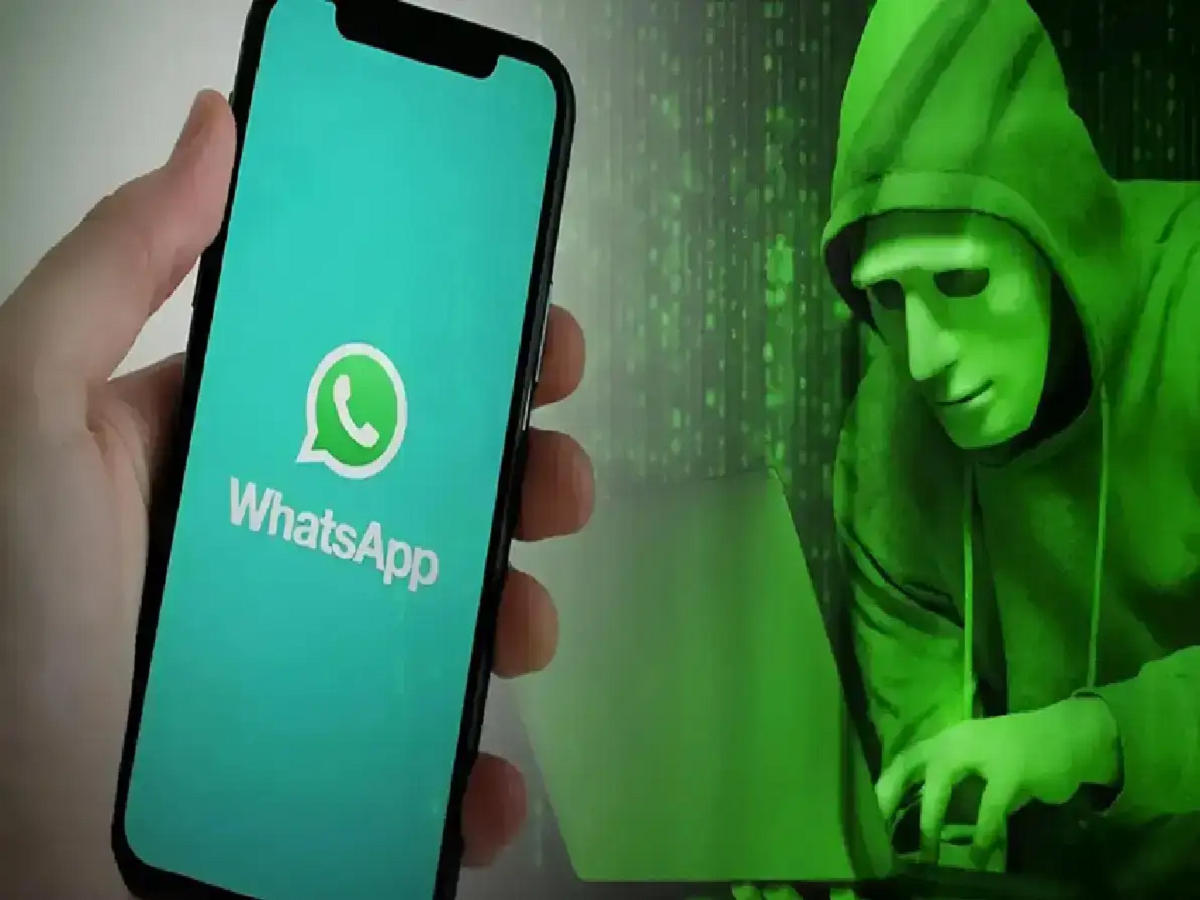
Nowadays, smartphones contain many important things related to our personal information, banking details, photos, and social media accounts. Therefore, a phone hack can become a serious problem. Often, users are unaware that their phone is being used for malicious purposes. If you notice any unusual changes in your phone, you should be cautious.
Signs of Phone Hacking:
1. Phone suddenly slows down
If your phone has become much slower than before, apps are opening automatically or hanging frequently, then it could be a sign of a suspicious app or virus.
2. Battery drains quickly
Hacking or dangerous apps running in the background can drain your phone's battery quickly. If your battery is running low even without much use, check it.
3. Unknown Apps Appear
Be sure to check the list of installed apps on your phone. If you see any apps you didn't download, remove them immediately.
4. High Data Usage
If your internet data is being used more than usual, it's possible that an app is sending your information in the background.
5. Strange phone activity
Automatic calls, messages, strange pop-ups on your screen, or receiving unknown login alerts from your account could be signs of hacking.
How to protect your phone from getting hacked?
- Always download apps from the official App Store.
- Avoid clicking on unknown links.
- Update your phone and apps regularly.
- Use strong passwords and two-factor authentication.
- Remove any suspicious apps immediately.
PC: Rochak Khabre