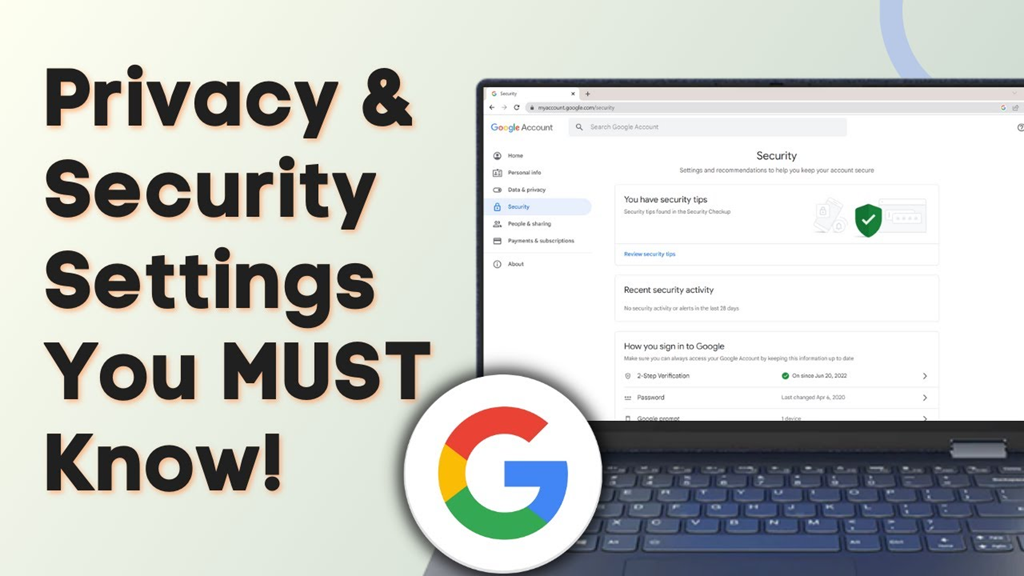
Before searching anything on Google, know these privacy risks.
(Know these risks before searching on Google)
Google Search: Google is considered the world's largest search engine. People turn to Google for anything they need. From food recipes to medical information, banking, and shopping, people use Google Search for all kinds of information. But did you know that there are some risks associated with Google Search that most people are unaware of? Let's explore what you should be aware of.
Search History is saved.
It's worth noting that Google saves your search activity based on your account settings. Information about what you searched for, which websites you visited, and what you showed interest in all help build a picture of your online activity.
If you're logged into your Google Account on multiple devices, your activity is visible on other devices as well. Therefore, it's important to exercise caution when searching for private information.
Search can reveal your personal preferences.
Additionally, the things you search on Google reveal information about your preferences and needs. For example, if someone consistently searches for information about a specific disease, job, product, or travel, their search activity can reveal many things about them. Similarly, repeated searches can create a complete profile of your preferences and online activity.
Incognito Mode does not provide complete privacy
Additionally, many people believe that using Incognito Mode makes their searches completely private. However, this isn't true. In fact, Incognito Mode helps prevent your browsing history and some local data from being saved on your device.
Therefore, this doesn't mean that your identity is completely hidden on the Internet. Websites, network administrators, or Internet service providers collect information about all your activities on the Internet.
Avoid searching for sensitive information.
That's why experts advise avoiding searching or entering important information like your password, OTP, bank account details, card number, and Aadhaar on Google. Also, when searching for information related to a personal issue, keep in mind that the search query itself could become part of your personal information.
What to do to increase privacy?
Be sure to periodically check your Google Account's privacy settings, such as Web & App Activity and My Activity. You can also turn off activity saving if unnecessary, and delete old search data. Additionally, avoid logging into your Google Account on someone else's device.