NEWS
Google Search Gets Built-In Generative AI: Step-by-Step Guide to Activate the Feature on Your Phone
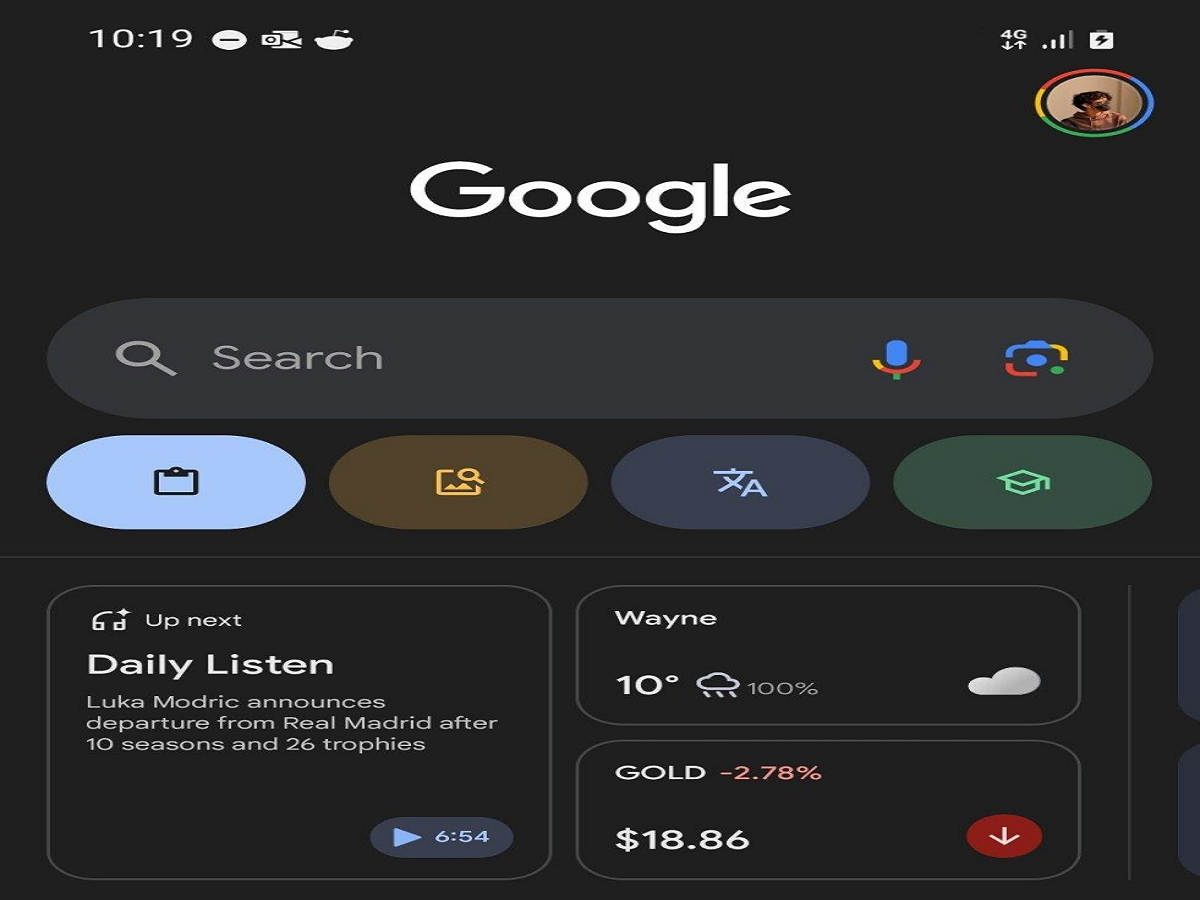
Google Expands AI Capabilities in Its Search App
Google has begun introducing generative artificial intelligence (AI) capabilities within its mobile search application for Android users. This new feature is part of the company’s Search Generative Experience (SGE) initiative, which aims to enhance traditional search by delivering AI-generated summaries and responses directly within search results.
With this technology, the Google app can analyze information from multiple websites and present quick, AI-generated insights at the top of search results. Instead of browsing through several pages to find the right information, users can get a clear summary or explanation instantly.
This update is part of Google’s broader push to integrate generative AI across its ecosystem. The company has already introduced AI features in tools such as Docs, Sheets, Slides, and its conversational AI systems, and now the search app is receiving similar enhancements.
For users who want to try this new feature, Google allows them to enable it through the Search Labs section in the Google app.
What Is Generative AI in Google Search?
Generative AI in Google Search works by using advanced artificial intelligence models to create summarized answers based on information collected from multiple sources across the web.
When users search for a topic, the AI analyzes various web pages and generates a concise explanation or overview that appears above the regular search results.
This approach helps users:
- Get quick answers without opening multiple websites
- Understand complex topics through summarized insights
- Save time while searching for information online
For example, if a user searches for a smartphone review such as “Galaxy S22 review,” the AI can analyze several product reviews from different websites and generate a combined summary highlighting key features, performance, and user feedback.
The traditional search results still remain visible below the AI-generated response, allowing users to explore more details if needed.
How to Enable Generative AI in the Google App
If you want to experience the AI-powered search feature on your smartphone, follow these steps carefully.
Step 1: Update the Google App
First, make sure your device has the latest version of the Google app installed. You can update the app through the Google Play Store.
Step 2: Open the Google App
Launch the Google application on your Android smartphone.
Step 3: Look for the Search Labs Icon
At the top of the screen, you will notice a beaker-shaped icon, which represents Search Labs. Tap on this icon.
Step 4: Access the SGE Feature
After opening Search Labs, you will see a page labeled “SGE – Generative AI in Search.”
Step 5: Enable the Feature
Turn on the toggle next to the option that says “When turned on, SGE may appear when you search.”
Step 6: Refresh the App
Once the toggle is enabled, the Google app will refresh automatically, and the AI search feature will be activated on your device.
How to Use Generative AI in Google Search
Using the generative AI feature is simple because it works automatically during regular searches.
To use it:
- Open the Google app on your smartphone.
- Enter any search query as you normally would.
- If the feature is available for that topic, Google will display an AI-generated response at the top of the search results.
The AI summary may include key points, explanations, or recommendations, followed by links to the original websites used to gather the information.
This means users still have access to traditional search results while benefiting from quick AI-generated insights.
Benefits of AI-Powered Search
The introduction of generative AI in search provides several advantages for users:
- Faster information discovery
- Simplified explanations of complex topics
- More organized search results
- Reduced need to visit multiple websites for basic answers
However, Google still encourages users to verify information by checking the original sources provided in search results.
Final Thoughts
Google’s integration of generative AI into its mobile search app marks an important step in the evolution of online search. By combining artificial intelligence with traditional search results, the company aims to provide users with faster, smarter, and more helpful answers.
Once enabled through the Search Labs section, the feature works automatically whenever you search for information. As generative AI continues to develop, tools like this are expected to make online searches more efficient and user-friendly than ever before.