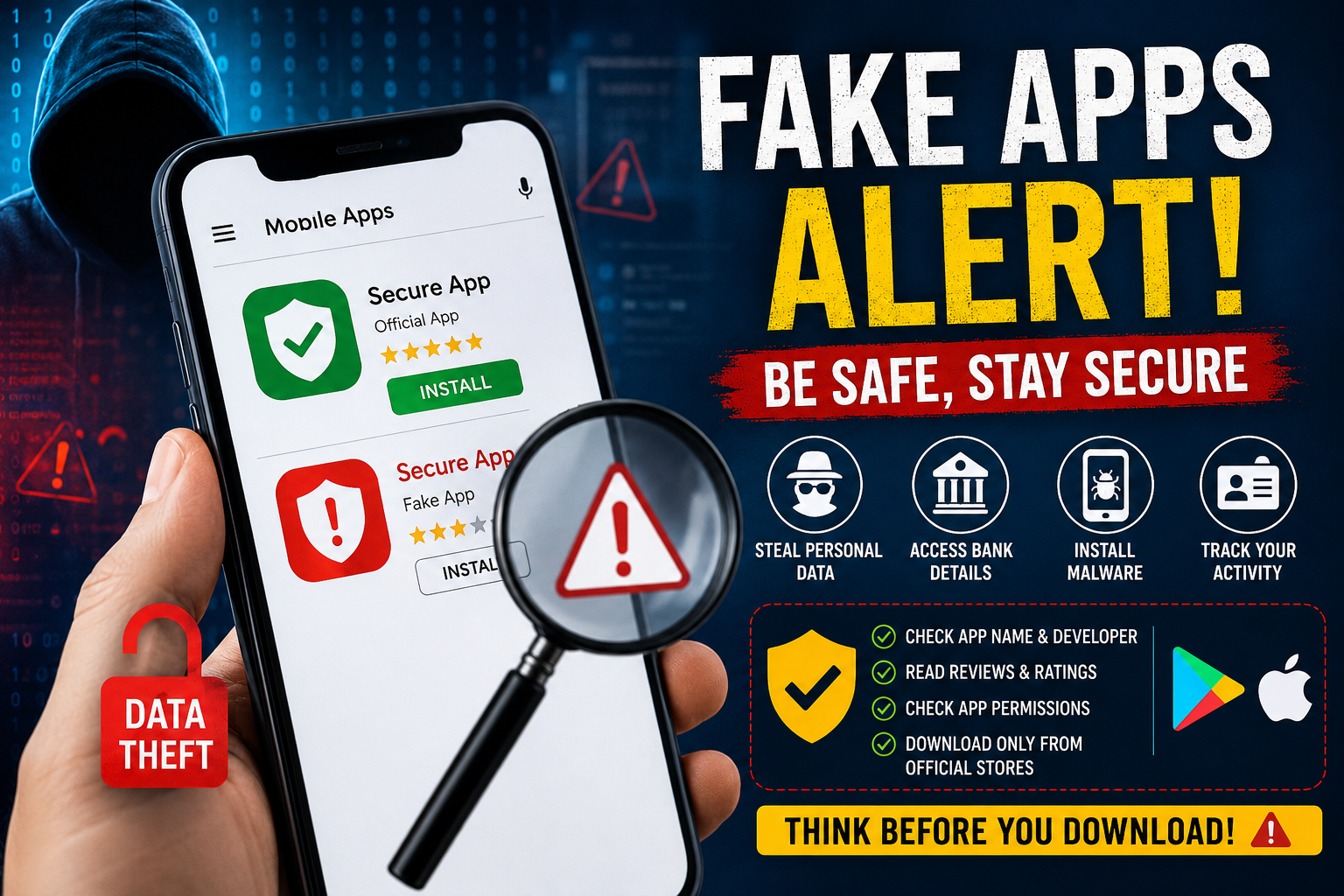
In today’s digital age, mobile apps have become an essential part of everyday life. From online shopping and banking to gaming, food delivery, and social networking, people rely heavily on smartphone applications for almost every task. Most users simply open the app store, search for the required app, and download the first result that appears on the screen. However, this habit of downloading apps without proper verification can lead to serious consequences.
Cybercriminals are now creating fake applications that closely resemble genuine apps. These malicious apps are specifically designed to steal personal information, banking credentials, passwords, and other sensitive data from unsuspecting users. As cyber fraud cases continue to rise globally, identifying fake apps before installation has become more important than ever.
Why Fake Apps Are Dangerous
Fake apps often look nearly identical to original applications. They may use similar names, logos, icons, and user interfaces to trick users into believing they are authentic. Once installed, these apps can secretly access private information stored on your phone.
In many cases, harmful apps contain malware that can track your online activity, steal OTPs, monitor passwords, and even gain access to your bank accounts. Some fake apps may also slow down your smartphone, drain battery life quickly, or display excessive advertisements.
Experts warn that cybercriminals are becoming increasingly sophisticated. Many fake apps are uploaded to unofficial websites, while some even manage to temporarily appear on app stores before being removed.
How to Identify Fake Apps Before Downloading
1. Carefully Check the App Name and Developer
One of the easiest ways to detect a fake app is by examining its name and developer details. Fraudsters often create apps with names that closely resemble popular applications.
For example, instead of the official “WhatsApp,” you may see names like “WhatsApp Plus,” “Update WhatsApp,” or similar variations. At first glance, these names may look genuine, but they are often fake versions.
Before downloading any app, always verify the developer’s name. Trusted companies usually have verified developer profiles. If the developer name contains spelling mistakes, random words, or suspicious characters, avoid downloading the app immediately.
Read User Reviews and Ratings Carefully
Many people rely only on star ratings while downloading apps, but this can be misleading. Fake apps often use manipulated ratings and fake positive reviews to appear trustworthy.
Instead of looking only at the rating score, read genuine user comments carefully. If users frequently complain about issues such as app crashes, unusual advertisements, battery drain, phone overheating, or suspicious activity, treat it as a warning sign.
Another important factor is download count. If an app has very few downloads but extremely high ratings, it may not be authentic.
Be Careful While Granting Permissions
Whenever you install an app, it asks for certain permissions. Fake or malicious apps often request unnecessary access that has nothing to do with their actual purpose.
For instance, a simple calculator or flashlight app should not require access to your contacts, gallery, microphone, camera, or location. If an app asks for excessive permissions, it could indicate malicious intent.
Always review app permissions carefully before clicking “Allow.” You can also visit your phone settings later to check which permissions an app has access to.
Download Apps Only from Official Platforms
Security experts strongly recommend downloading apps only from trusted platforms such as the Google Play Store or Apple App Store. Avoid downloading APK files from random websites, unknown links, social media messages, or forwarded WhatsApp links.
Third-party websites often host modified or infected applications that can compromise your device security.
Even after downloading from official platforms, stay alert. If your smartphone suddenly starts behaving unusually — such as rapid battery drain, excessive data consumption, overheating, or slower performance — it may indicate the presence of a suspicious app.
Simple Safety Habits Can Protect Your Smartphone
Keeping your smartphone secure does not require advanced technical knowledge. A few careful habits can significantly reduce the risk of cyber fraud.
Always update your apps regularly, use strong passwords, enable two-factor authentication where possible, and install reliable antivirus protection on your device. Most importantly, never rush while downloading apps.
Taking a few extra seconds to verify an app’s authenticity can save you from major financial loss, identity theft, and privacy breaches in the future.
As cyber threats continue to evolve, awareness remains the strongest defense against fake applications and online scams.