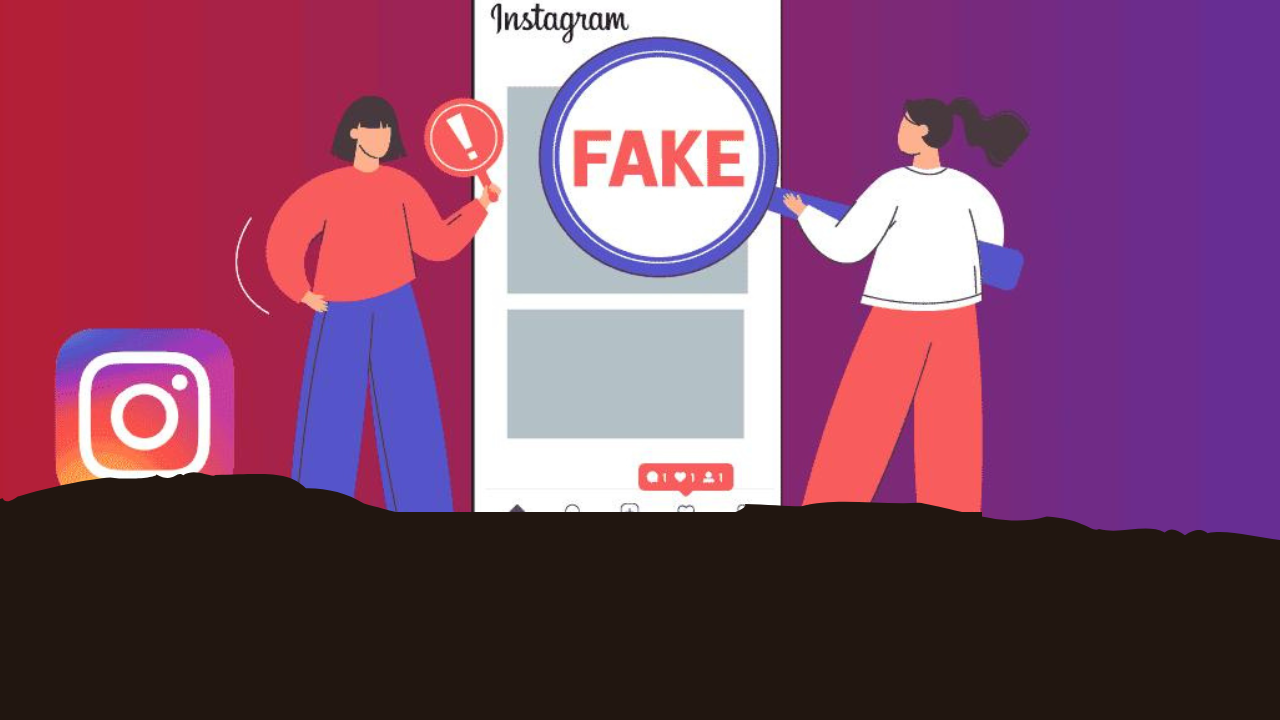
Is someone running a fake account on Instagram using your photo and name? Learn how to spot it, how to report it, and what to do if the account isn't removed after reporting it.

Reporting a Fake Instagram Account
If someone else starts communicating with people on social media using your photo and name, it can be a serious problem. Your friends and acquaintances may believe the account to be genuine. Often, these fake profiles are used to mislead people, spread false information, or try to solicit money or personal information.
Creating an account using someone else's identity on Instagram may be against Instagram's policies. If someone is impersonating you by using your photo, name, or other personal information, you can report it to Instagram. Let's learn how to identify and report such accounts.
How to identify if an account on Instagram is fake?
To identify a fake profile on Instagram, first carefully examine its name, photo, bio, and other information. If an account is using your name, photo, bio, or personal information to pose as you, or is messaging your friends and family asking for money, OTPs, or personal information, take screenshots of the profile, its posts, and messages, and save the account link and report it.
How to report a fake account on Instagram?
1. If someone is using your identity to run a fake account on Instagram, first go to that profile.
2. After this, tap on the three dots given above.
3. Now go to the Report option.
4. After this, select Report Account.
5. Here select the option 'It's pretending to be someone else' and then tell that the account is imitating you.
6. After this, complete the instructions given on the screen and submit the report.
How to report a complaint without an Instagram account
If you don't have an Instagram account or prefer to file a complaint through the website, you can use Instagram's reporting form. You may be asked to provide a copy of a government ID, such as your Aadhaar card, passport, or driver's license, to verify your identity. Complaint investigations may take a few days, though the timeframe may vary depending on the case.
What to do if the fake account is not removed even after reporting it?
If a fake account still exists on Instagram after reporting it, you can report it again using both the app and the website. You can also seek assistance from Instagram's Help Center. Alternatively, you can tag @Instagram or @Creators on X or Threads or send a message to report your issue. If your account is verified or a business account, you can also contact Meta's support team through Meta Business Suite.