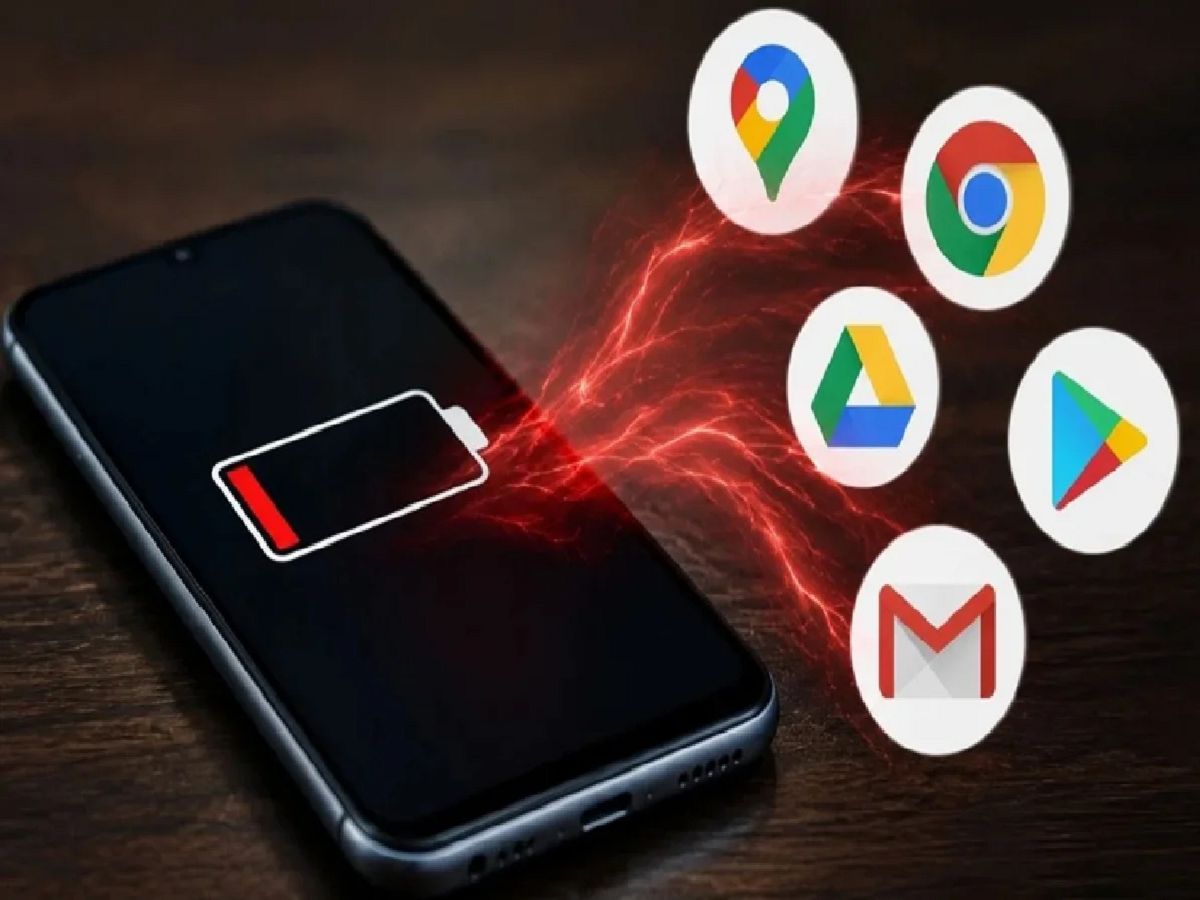
Smartphones have become an integral part of everyone's lives these days. Whether it's work, studies, or entertainment, we rely on our phones for everything. But a common complaint we hear is that our phone's battery drains quickly. Many people assume the battery is damaged, but it's actually some apps that are hogging the phone's charge.
Google Chrome
First, many people use Google Chrome to browse the internet. While this app is fast, it keeps multiple tabs open at the same time, putting a lot of strain on the battery. Constant ads, webpage refreshes, and background processes can quickly drain your phone's battery. To avoid this, close unnecessary tabs.
YouTube:
If you want to watch your favorite song or video, you use YouTube. However, watching videos for hours puts a strain on the screen, internet, and processor. Whenever possible, keep the video quality at medium. This saves both data and battery.
The Gmail
app, which is used for email, may seem lightweight, but it constantly checks for new mail. This process increases if multiple email accounts are connected. This can inadvertently drain your phone's battery. Removing unused accounts can significantly impact battery life.
Google
Maps is a great help when traveling. But when guidance is on, GPS, mobile data, and the screen are constantly on. This drains the battery faster. Many people leave location services on all day. Breaking this habit can help your battery last longer.
Google Home
is a useful app for those with smart TVs, smart lights, or other smart devices in their homes. However, because the app constantly tries to stay in touch with those devices, battery consumption increases if Bluetooth and location are turned on. It's best to turn these features off when not in use.
Not just apps, but some small habits can also make your phone's charging last longer. Keep the screen brightness appropriate. Turn off Bluetooth, Wi-Fi, and location when not in use. Don't let infrequently used apps run in the background. Also, by periodically checking your phone's battery usage report, you can easily understand which app is consuming the most charge.
Additionally, keeping your phone and all apps updated regularly is equally important. New updates often include changes to improve battery performance. Therefore, don't avoid updates. Closing multiple apps when not needed instead of keeping them open at the same time also reduces battery strain.
You don't need to buy an expensive smartphone to make your phone's battery last longer. With the right settings, limited usage, and a few simple habits, you can reduce the worry of charging throughout the day. Small changes can extend battery life and improve your phone experience.
PC: Navarastra