NEWS
Always keep these things in mind when using public Wi-Fi, otherwise you will have to pay the price
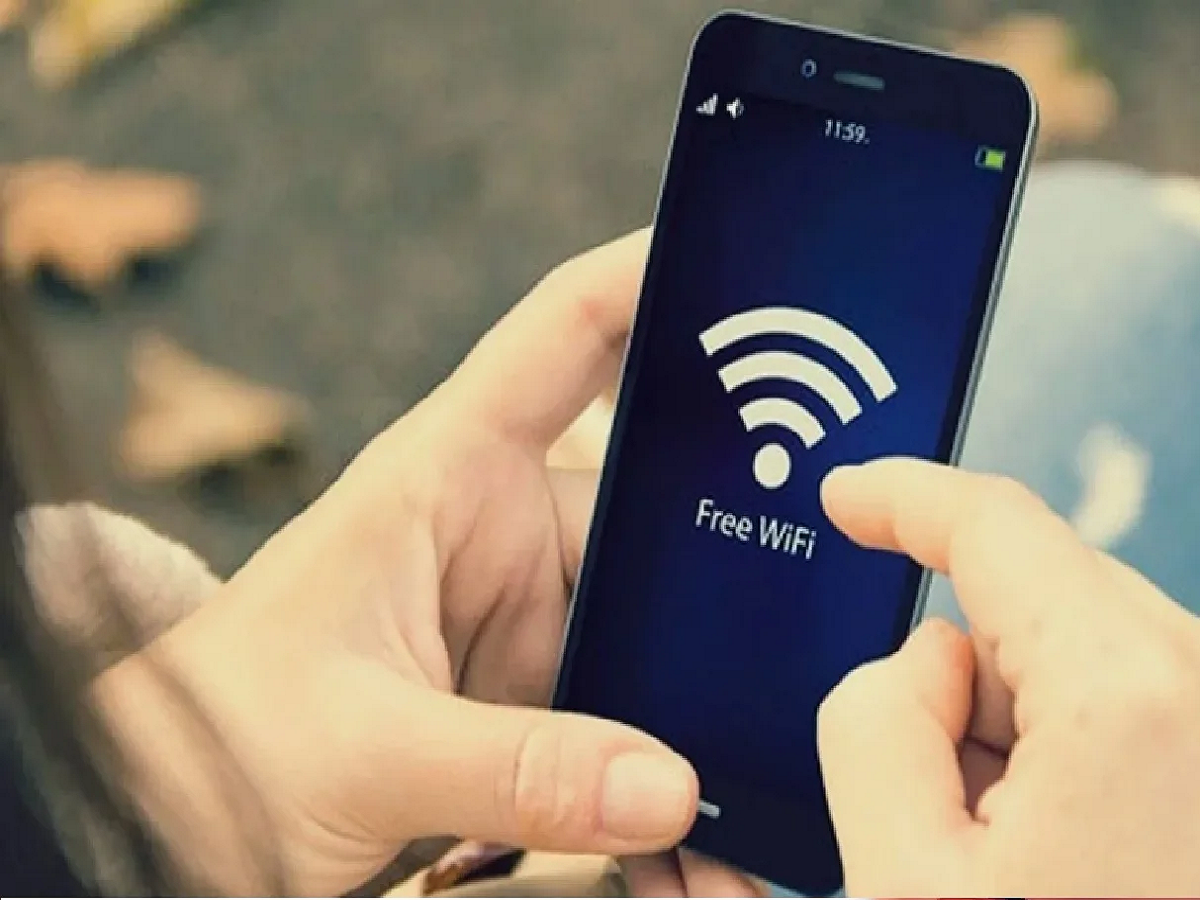
Public Wi-Fi is readily available these days at places like railway stations, hotels, cafes, airports, colleges, and shopping malls. This saves mobile data and makes internet access easier. However, not all public Wi-Fi is secure. Some networks can pose a risk to your personal information.
1. Don't connect to any Wi-Fi network without thinking.
If you see multiple Wi-Fi networks nearby, don't immediately connect to any open network. Confirm the correct network name and password with staff or the relevant organization.
2. Avoid Banking and Payments
It's best to avoid sensitive tasks like net banking, UPI, or online shopping on public Wi-Fi, especially if you're not fully aware of the network's security.
3. Use websites with HTTPS.
When opening a website, look for HTTPS and a lock icon in the address bar. This helps ensure the connection is encrypted. However, having HTTPS doesn't automatically mean a website is trustworthy.
4. Turn off file sharing.
On public networks, it's best to turn off your laptop or smartphone's file sharing and network discovery settings. This can reduce the risk of unnecessary connections with other devices.
5. Turn off Auto-Connect
Check your phone's Wi-Fi auto-connect option. Turning it off can prevent your device from automatically connecting to unknown open networks.
6. Use a VPN
If you frequently use public Wi-Fi, using a reputable VPN service can provide additional privacy. However, a VPN won't protect you from phishing websites or fake apps.
7. Keep your devices updated.
Regularly update your smartphone, laptop, and apps. Security updates can fix many known vulnerabilities.
8. Forget the Network After You're Done
Forgetting the network after using public Wi-Fi is a good habit, especially if you don't visit that place often.
PC: India TV hindi