Business
Aadhaar Appointment: Want to Cancel or Reschedule Your Booking? Check the Easy Online Process
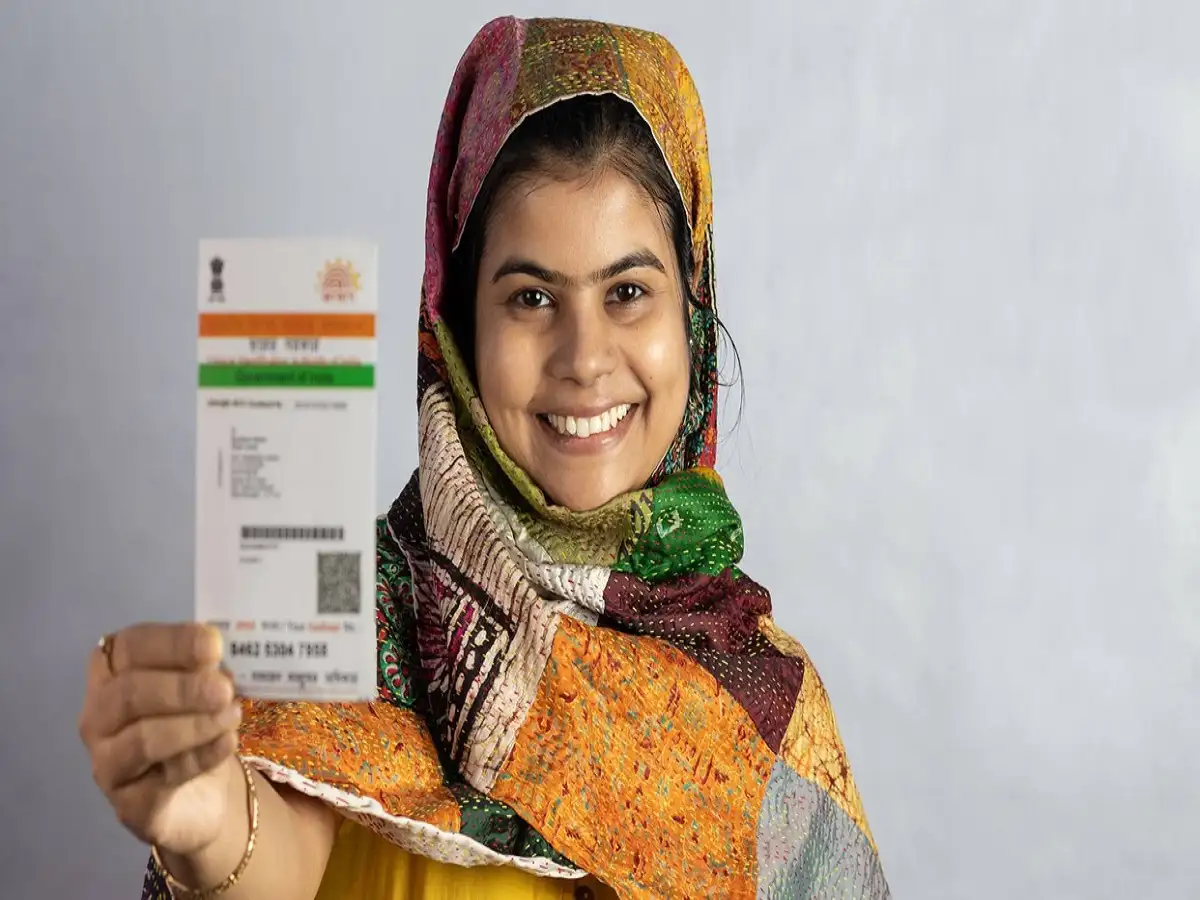
Aadhaar Appointment Update: Aadhaar is an important identity document used for a range of services in India. If you have booked an appointment at an Aadhaar centre for enrolment or an update but cannot visit on the scheduled date, you may be able to cancel or reschedule the booking online instead of simply missing your slot.
The appointment system allows users to manage eligible bookings through the official UIDAI appointment facility. Depending on the service and centre, you can select another available date and time or cancel the existing booking.
When Can an Aadhaar Appointment Be Rescheduled?
If your plans change after booking an Aadhaar appointment, you should modify the booking as early as possible.
According to the information provided, cancellation or rescheduling may be allowed up to 24 hours before the scheduled appointment time. Users should check the conditions displayed on their individual booking because rules can depend on the appointment facility and service selected.
You may also need access to the mobile number or other booking information used when the appointment was originally created.
How to Reschedule Aadhaar Appointment Online
To change your appointment, access the official appointment facility of the Unique Identification Authority of India (UIDAI) and retrieve your existing booking.
After opening the booking, look for the option to reschedule the appointment. Select another available date and time that suits you, carefully verify the new details and confirm the change.
Once the new slot has been successfully booked, save the updated appointment acknowledgement or details for your visit.
Aadhaar Appointment Rescheduling Process
The basic process can be understood in these steps:
- Visit the official UIDAI website or Aadhaar appointment facility.
- Retrieve your existing appointment using the required booking details.
- Select Reschedule Appointment, where available.
- Check the available dates and time slots.
- Choose a new date and time.
- Verify all the details before confirming.
- Save the revised appointment acknowledgement for future reference.
Your old appointment should be replaced by the newly confirmed slot after successful rescheduling.
How to Cancel an Aadhaar Appointment
If you no longer require the appointment, check your existing booking for the cancellation option.
Open your appointment details through the official booking facility and choose Cancel Appointment, if available. Verify the booking information and confirm the cancellation.
It is better to cancel an appointment you know you cannot attend rather than leave the booked slot unused.
What Happens If You Miss the Appointment?
If the scheduled date and time have already passed, the old appointment generally cannot be used for a later visit.
In that situation, you may have to make a fresh Aadhaar appointment for the required service, subject to slot availability.
Therefore, if you already know that you will not be able to reach the Aadhaar centre on time, managing the booking beforehand can save you the inconvenience of starting again.
Will You Get a Refund After Cancellation?
Refund eligibility should be checked against the terms shown during the booking and payment process. Do not assume that every Aadhaar appointment cancellation automatically results in a refund.
Where an online payment is eligible for a refund, processing time can depend on the payment method and applicable UIDAI rules. Users should retain the payment receipt, booking acknowledgement and cancellation details until the matter is settled.
Which Services Can Be Booked at an Aadhaar Centre?
Depending on the selected Aadhaar centre and the services it provides, appointments may be available for Aadhaar-related work such as:
| Aadhaar Service | Purpose |
|---|---|
| New Aadhaar enrolment | Applying for Aadhaar for the first time |
| Name update | Correcting or changing the name |
| Address update | Updating residential address |
| Date of birth update | Correcting eligible DOB details |
| Mobile number update | Adding or changing the registered mobile number |
| Email update | Updating email information |
| Biometric update | Updating photograph, fingerprints or iris data |
| Document update | Submitting/updating applicable supporting documents |
Not every service is necessarily available at every centre, so check the options shown while booking.
What to Carry to the Aadhaar Centre
Before visiting, check the documents required for the particular update you want to make. Carry the required original supporting documents where applicable.
Also keep your appointment acknowledgement or booking details accessible. Recheck the centre address, appointment date and reporting time before leaving.
Use Only the Official UIDAI Platform
Aadhaar contains important identity information, so users should avoid unknown websites or links claiming to provide appointment, cancellation or rescheduling services.
Use the official UIDAI website to access Aadhaar services and verify the latest procedure, charges and appointment rules.
If you have rescheduled your booking, make sure you refer to the new appointment date and time, rather than the details of the cancelled or replaced slot.