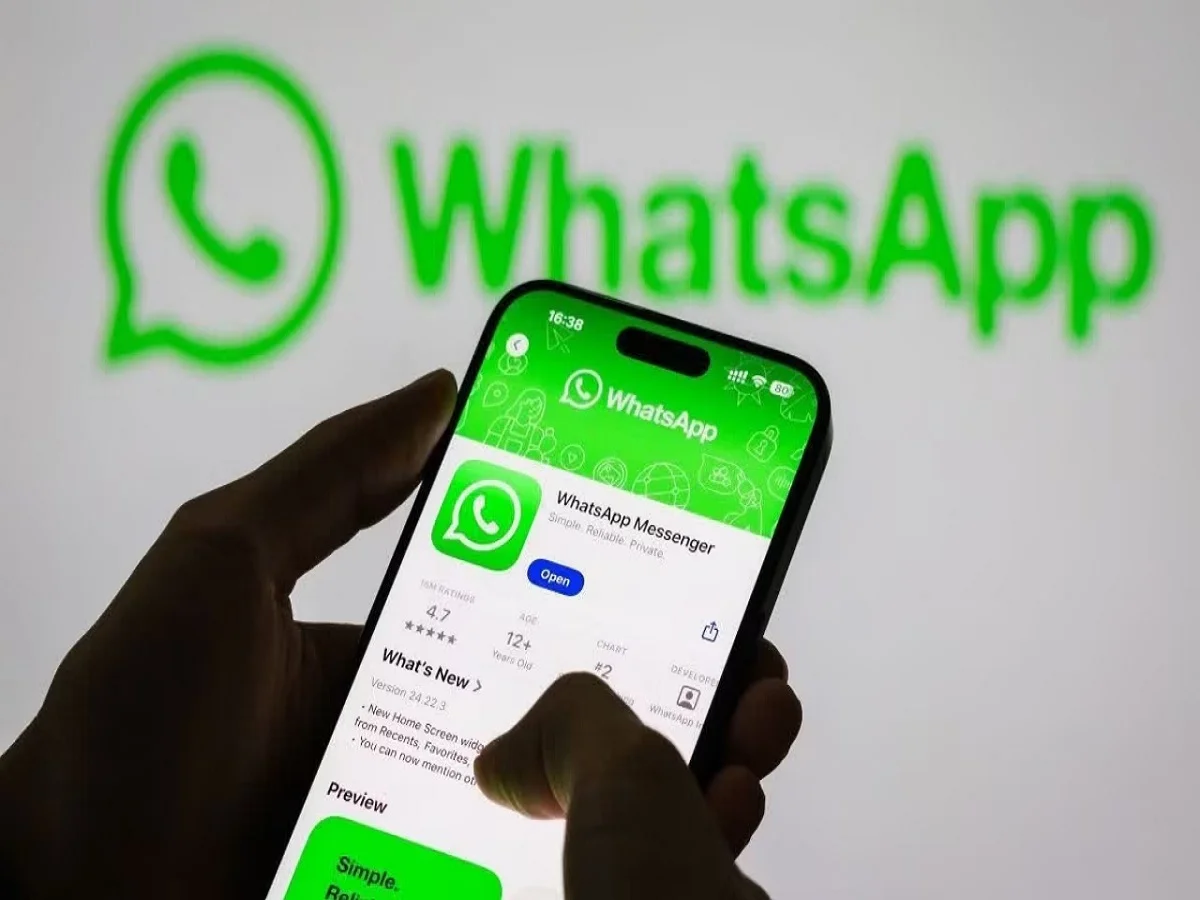
Millions of iPhone users may soon need to update their devices or software to continue using WhatsApp without interruption. Meta-owned WhatsApp has announced upcoming platform requirements that could end support for several older iPhone models starting in November 2026.
The move is part of WhatsApp's ongoing efforts to improve security, performance, and compatibility with new technologies. Users whose devices cannot run the required version of Apple's iOS operating system may lose access to the messaging platform once the new requirements take effect.
WhatsApp Raising Minimum iOS Requirements
According to the company's latest update, WhatsApp will require a newer supported version of iOS to function after November 2026.
As technology evolves, messaging applications need access to modern operating system features to support new tools, stronger security protections, and improved performance. Older devices that can no longer receive major software updates may struggle to meet these technical requirements.
Users are therefore being encouraged to check whether their iPhones are running the latest available version of iOS.
Why Is WhatsApp Ending Support for Older Devices?
WhatsApp regularly updates its system requirements to ensure users receive the best possible experience.
The company says future versions of the app will increasingly rely on advanced technologies, including:
- Artificial Intelligence-powered features
- Enhanced privacy controls
- Stronger security protections
- Improved messaging performance
- Better reliability and stability
- Advanced communication tools
Older operating systems often lack the infrastructure required to support these upgrades, making it difficult to maintain security and functionality.
Which iPhones Could Be Affected?
The biggest impact is expected to be on older iPhone models that are no longer eligible for major iOS updates from Apple.
Devices that may eventually lose WhatsApp support include:
- iPhone 8
- iPhone 8 Plus
- iPhone X
- Other older iPhone models that cannot upgrade to newer iOS versions
If a device is capable of installing the required iOS version, users should update it as soon as possible to avoid future compatibility issues.
How to Check Your iPhone's Software Version
Users can quickly verify their current iOS version by following these steps:
Step 1
Open the Settings app on your iPhone.
Step 2
Tap General.
Step 3
Select About.
Step 4
Check the software version displayed on the screen.
This information will help determine whether your device meets WhatsApp's future requirements.
How to Update Your iPhone
If your device supports a newer version of iOS, updating is straightforward.
Follow These Steps:
- Open Settings.
- Tap General.
- Select Software Update.
- Check whether an update is available.
- Download and install the latest supported version.
Keeping the device updated not only ensures WhatsApp compatibility but also improves security and overall performance.
What Happens If Your iPhone Cannot Be Updated?
If your iPhone is unable to install the required iOS version, WhatsApp may eventually stop functioning on the device after the support deadline.
Possible consequences include:
- Inability to send or receive messages
- Loss of access to new WhatsApp features
- Security vulnerabilities
- Compatibility issues with future updates
- Potential account access interruptions
In such situations, users may need to upgrade to a newer iPhone model to continue using the platform.
Existing Users Shouldn't Panic Yet
The good news is that the change is not expected to take effect until November 2026. This gives users plenty of time to check their devices, install available software updates, and prepare if a hardware upgrade becomes necessary.
Many iPhone users will likely remain unaffected, particularly those using newer devices that continue to receive Apple's latest iOS updates.
WhatsApp's Focus on Security and Innovation
The decision reflects a broader trend across the technology industry. As messaging platforms introduce AI-powered tools, advanced encryption methods, and richer communication features, maintaining support for outdated software becomes increasingly difficult.
By phasing out support for older devices, WhatsApp aims to provide a safer and more reliable experience for its global user base.
For iPhone owners, the key takeaway is simple: check your software version, install available updates, and ensure your device remains compatible before the November 2026 deadline arrives.