LIFESTYLE
iPhone won't charge? Before you go to the service center, check these important settings in 1 minute and save thousands of rupees
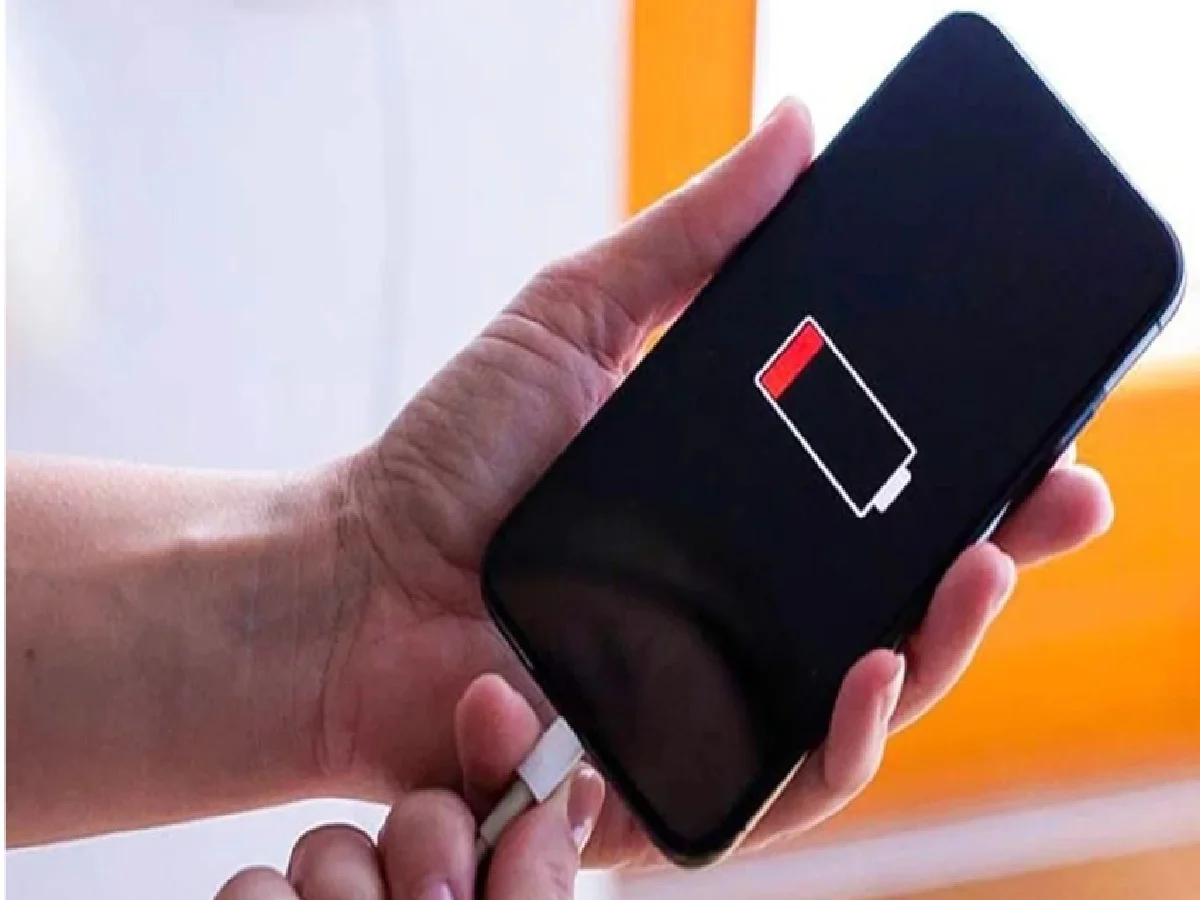
Given the iPhone craze, many people own this smartphone these days. Due to its strong brand and quality features, the iPhone has a unique appeal among tech lovers. In this article, we're not going to discuss any features of the iPhone or its new variants, but rather a problem with the iPhone. If you're using an iPhone and your phone isn't charging even after being charged, this news could be very helpful. To solve this problem, many people seek help from an Apple Service Center, which can cost thousands of dollars. But we've told you that this problem can be solved at home if...
Often, a problem may not seem like a major one at first, but some settings changes could be the cause. In this article, we'll learn about a setting in the iPhone that can easily solve charging problems at home. Let's explore what this setting is.
Check this thing first
Before taking your iPhone to a service center, check its charging port. 80% of iPhones that won't charge are caused by the charging port. Often, a damaged or dirty port is the reason your phone won't charge.
Dirt in the charging compartment
Now you might be wondering how dirt could get into the charging port. Let us tell you that we often keep the charging port in our bags or purses when we go out, which traps fine particles, dust, and dirt in the bag. Every time we insert the charging cable, this dirt also gets trapped inside. Gradually, this seemingly small amount of dirt builds up, and then problems begin to arise.
Clean up messes in a minute
Removing dirt from your iPhone's charging port is quite simple. A little caution may be necessary. First, turn off your iPhone for safety reasons. Then, try removing any dirt with a toothpick or SIM ejector tool. Remember, don't use anything sharp like a safety pin. This could damage the phone's internal components.
How to use a toothpick
To clean the charging port with a toothpick, first gently insert the toothpick into the iPhone's charging port. Then, gently remove any debris. After cleaning the charging port, plug in the cable and check. You'll see that your phone charges as usual. If the phone still isn't charging, check the cable and adapter. Often, faulty cables cause charging problems. Alternatively, you can try restarting your phone.
PC: Navarastra