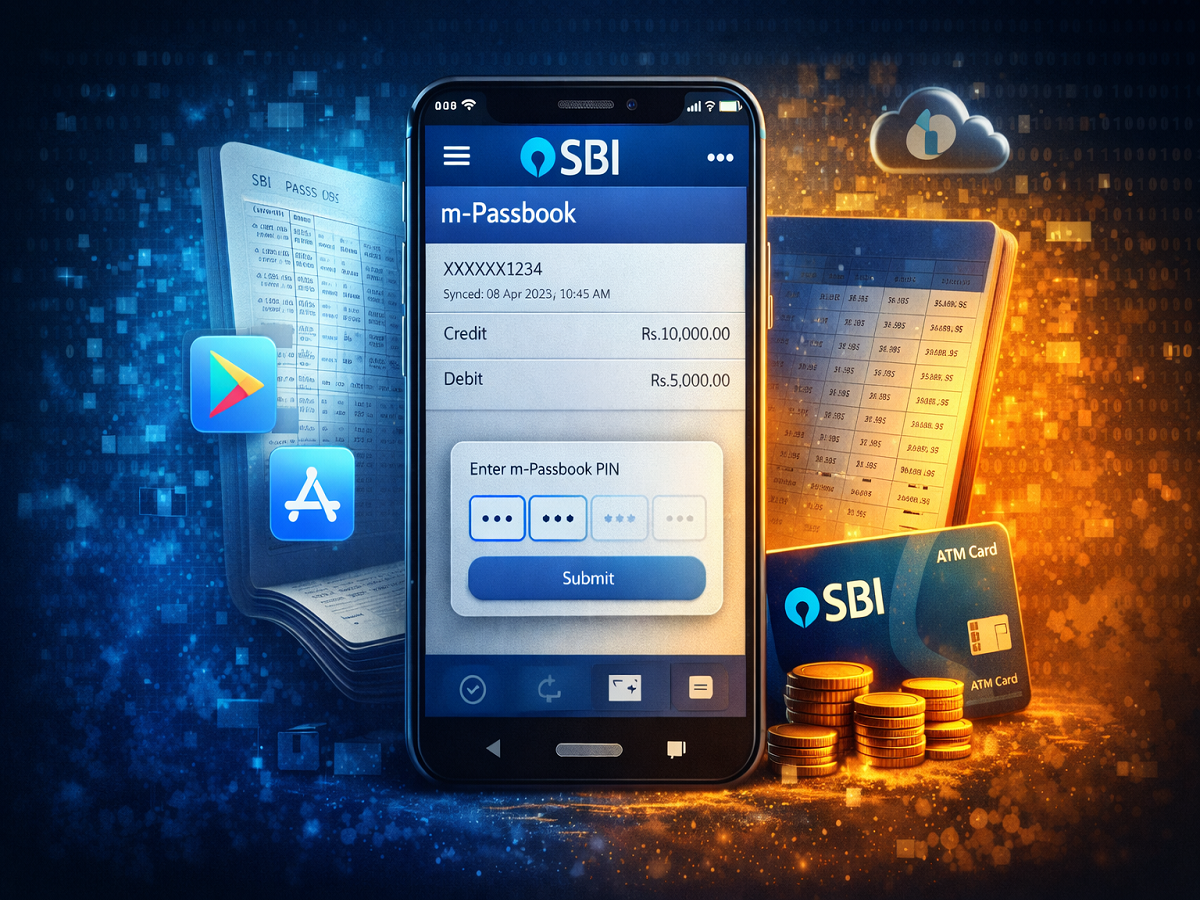
Managing bank transactions has become easier with digital banking tools. One such convenient feature offered by State Bank of India is the SBI m-Passbook, a digital version of the traditional bank passbook that allows customers to check their account transactions directly on their smartphones.
The m-Passbook acts as an electronic record of your banking activity. Instead of visiting a branch or updating a physical passbook, users can simply access their transaction history through the bank’s mobile application. This feature is especially useful for customers who want to monitor their financial activity anytime and anywhere.
If you are an SBI account holder and want to use the digital passbook feature, here is a detailed guide explaining how to download and use the SBI m-Passbook.
What Is SBI m-Passbook?
The SBI m-Passbook is a mobile-based electronic passbook that keeps track of all your bank transactions. It displays deposits, withdrawals, transfers, and other account activities in a convenient digital format.
This feature is available through the State Bank Anywhere application. Once the passbook is synced with your account, it stores the transaction details on your device, allowing quick access without repeatedly connecting to the bank’s servers.
The digital passbook is free for SBI customers and can be accessed by users who have retail internet banking enabled on their accounts.
How to Download the SBI m-Passbook
To start using the m-Passbook, you first need to download the official SBI mobile banking app and set up the feature.
Step 1: Install the SBI Mobile App
Download the State Bank Anywhere mobile application from the Google Play Store or Apple App Store.
Step 2: Log in to the Application
Open the app and log in using your internet banking credentials.
Step 3: Access the m-Passbook Feature
After logging in, locate the m-Passbook option in the app.
Step 4: Sync Your Transactions
Update or sync your account transactions so that the passbook information gets stored on your device.
Once this process is complete, you will be able to view your banking transactions in the m-Passbook whenever required.
How to View the SBI m-Passbook Offline
One of the most useful features of SBI’s digital passbook is the ability to view transaction records even without internet access.
The m-Passbook Offline feature allows customers to check their account history directly from their phone after syncing the data once.
Steps to Access m-Passbook Offline
- Open the State Bank Anywhere app.
- Tap on the m-Passbook option available on the login page.
- Enter your internet banking username.
- Input the 4-digit m-Passbook PIN that you created earlier.
- Tap Submit to proceed.
After successful verification, the app will display a list of your bank accounts. Select the account you want to view, and the m-Passbook will open showing the transaction history stored on your device.
How to Create or Reset an m-Passbook PIN
Before you can use the offline passbook feature, you must create a four-digit m-Passbook PIN. This PIN acts as a security layer that protects access to your transaction data.
Steps to Create the PIN
- Log in to the State Bank Anywhere application.
- Navigate to the Settings section.
- Select Create or Reset m-Passbook PIN.
- Enter and confirm your new four-digit PIN.
Once the PIN is created, you should sync your account passbook to enable offline viewing.
If you ever forget the PIN, the same option in the app can be used to reset and create a new one.
Important Things to Know About SBI m-Passbook
There are a few key points that users should keep in mind while using the feature:
- The m-Passbook stores previously synced transaction data on your device.
- You must sync the passbook periodically to see the latest transactions.
- Offline mode allows viewing stored transactions without internet access.
- The offline version does not include a sync option, meaning updates must be done while connected to the internet.
Final Thoughts
The SBI m-Passbook is a convenient digital banking tool that helps customers track their financial activity without visiting a bank branch. By storing transaction records on the mobile device and offering offline access, it provides a quick and secure way to monitor account activity.
For SBI customers who frequently check their transaction history, downloading the m-Passbook through the State Bank Anywhere app can make banking simpler, faster, and more accessible. With just a few steps, users can access their passbook digitally and stay updated with their account transactions anytime.